

Download SSuite Office Excalibur Release – office suite, productivity tools, open-source software, text editor, spreadsheet, desktop publishing, multimedia tools, free software, utility app, business tools
Overview
SSuite Office Excalibur Release is a comprehensive office productivity suite designed for users seeking a full-featured, cost-free alternative to commercial software. Built with a focus on accessibility and functionality, the application serves as a complete digital workspace for individuals and small businesses alike. It addresses the common challenge of fragmented software ecosystems by bundling 30 essential tools into a single, unified package. This includes text editors, spreadsheets, desktop publishing applications, multimedia utilities, and even basic games, offering a versatile environment for everyday tasks. The suite is particularly beneficial for users operating on limited budgets or in environments where software licensing costs are a concern.
Target users include students, freelancers, remote workers, and small business owners who require reliable tools without recurring expenses. The open-source nature of the software ensures transparency and long-term sustainability, allowing users to inspect, modify, and distribute the code as needed. Real-world use cases range from creating business reports and managing budgets to designing flyers and organizing personal documents. In the broader app ecosystem, SSuite Excalibur stands out as a rare example of a fully functional, self-contained office solution that remains entirely free and open. Its ability to deliver a complete workflow in one installation makes it a compelling choice for users aiming to simplify their digital toolkit.
Key Features & Functionality
- 30 Integrated Applications: The suite includes a wide range of tools such as word processors, spreadsheet editors, desktop publishing software, and presentation builders. Each application is designed to perform core office tasks without requiring external dependencies.
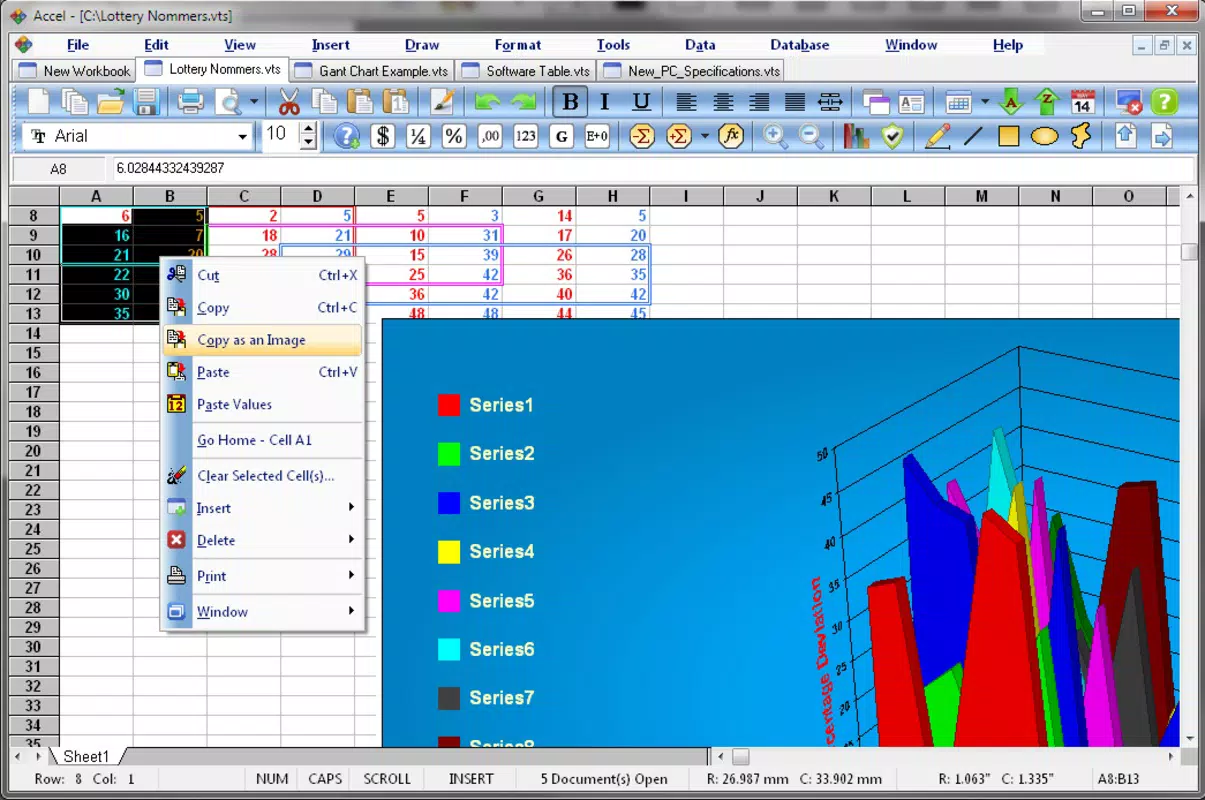
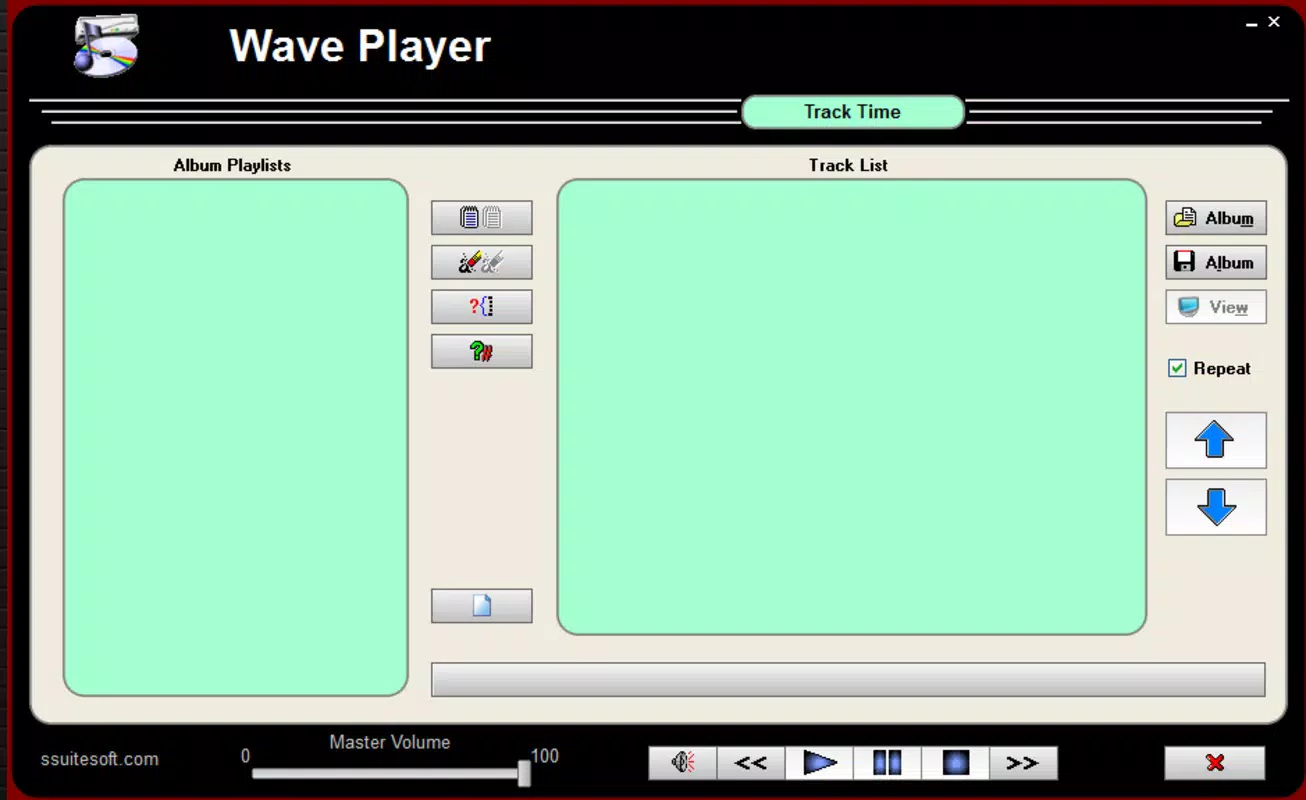
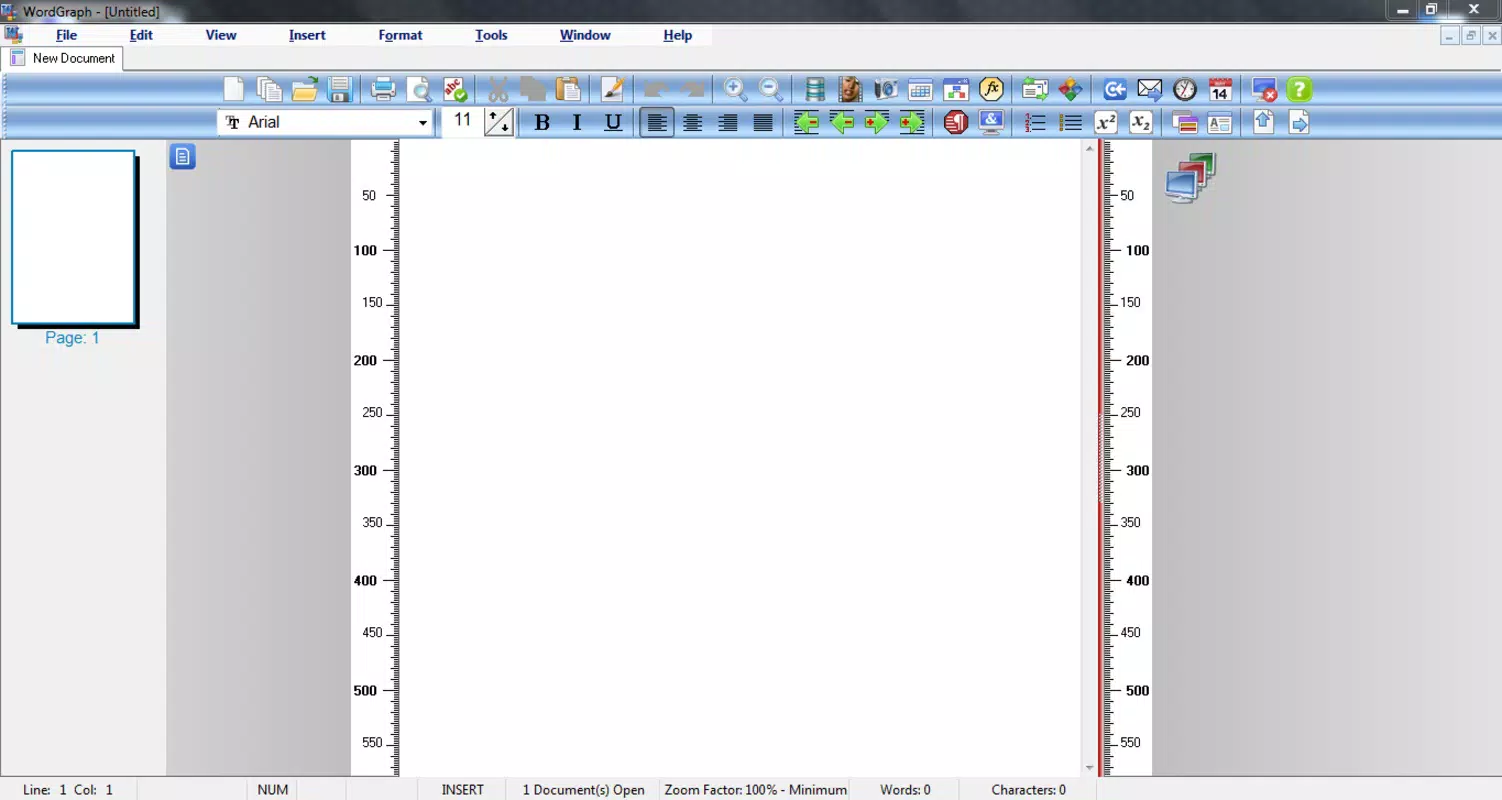
- Intuitive User Interface: All applications feature a clean, user-friendly layout that minimizes learning curves. The consistent design language across tools ensures seamless navigation and reduces the time needed to master each program.
- Open-Source Accessibility: As an open-source project, SSuite Excalibur allows users to install, use, and modify the software without licensing fees or restrictions. This promotes digital freedom and long-term cost savings.
- Comprehensive All-in-One Installation: Upon setup, users gain immediate access to essential utilities including media players, file converters, and antivirus tools. This eliminates the need to search for and install separate programs.
- Customization Options: Users can choose which applications to display in the start menu, enabling a personalized workspace. Unwanted tools can be hidden or removed, helping maintain a clutter-free environment.
For example, a small business owner can use the spreadsheet tool to manage inventory, the text editor for drafting invoices, and the desktop publishing module to design marketing materials—all within the same suite. A student might use the word processor for essays, the media player for research videos, and the file converter for document formatting. These features collectively enhance workflow efficiency and reduce dependency on multiple third-party apps.
Interface, UX & Performance
The interface of SSuite Office Excalibur Release is designed with usability in mind, featuring a consistent layout across all included applications. Menus, toolbars, and navigation elements are logically organized, allowing users to locate functions quickly. The visual style is minimalistic, prioritizing functionality over decorative elements, which contributes to faster load times and improved focus.
Navigating between tools is straightforward, with a centralized start menu providing one-click access to each application. The overall user experience is smooth for users familiar with traditional office software, though the lack of modern animations or dynamic transitions may feel dated to some. Although the developer did not list formal performance metrics, the suite operates efficiently on standard Windows systems, particularly those with moderate hardware specifications.
Responsiveness remains stable during typical tasks such as document editing and data entry. Stability appears reliable based on the application’s release history, though no detailed crash reports or error logs were provided. The suite maintains consistent performance across different device categories, including desktops and laptops, without significant lag or memory issues.
Platform Compatibility & Technical Requirements
SSuite Office Excalibur Release is available exclusively for the Windows platform. The current version, 2.0.0.0, is compatible with Windows operating systems, though specific minimum OS requirements were not listed. The application has a file size of 328.6 MB, making it relatively lightweight compared to other office suites. This size allows for quick installation and minimal disk space usage, ideal for users with limited storage or older hardware.
The developer did not specify minimum OS requirements, so compatibility with specific Windows versions (such as Windows 7, 8, 10, or 11) remains uncertain. Similarly, no details were provided about RAM, processor, or storage recommendations. Users are advised to ensure their system meets general Windows software requirements before installation. The absence of mobile or cross-platform support means the suite is not available for Android or iOS devices. For users seeking a desktop-based, free office solution, this release offers a viable option within the Windows ecosystem.
Pros and Cons
- Complete office suite with 30 tools in one package
- Entirely free and open-source, with no licensing costs
- Intuitive interface suitable for beginners and experienced users
- Self-contained installation with no need for external dependencies
- Customizable start menu for a personalized experience
- No official support for mobile platforms (Android, iOS)
- Specific system requirements were not disclosed
- Limited visual modernization compared to contemporary software
- No cloud integration or real-time collaboration features
- Updates and maintenance may depend on community contributions
FAQ
Is SSuite Office Excalibur Release safe to download and install?
Yes, the software is open-source and available through official channels. As with any download, users should ensure they obtain the file from a trusted source to avoid tampering.
Can I use SSuite Office Excalibur on multiple devices?
Since the software is free and open-source, users may install it on multiple Windows devices. However, there is no official synchronization or cloud-based account system.
Does the suite include antivirus or security tools?
Yes, the suite includes basic antivirus utilities as part of its all-in-one installation, though these are not replacements for dedicated security software.
Is there a mobile version of SSuite Office Excalibur?
Currently, the application is only available for Windows. There is no official Android or iOS version released.
How often are updates released?
Update frequency depends on the development team and community contributions. The latest version is 2.0.0.0, released on June 17, 2024.
Final Thoughts
SSuite Office Excalibur Release delivers a powerful, no-cost alternative to commercial office suites. Its comprehensive collection of 30 tools, open-source foundation, and user-friendly design make it an excellent choice for budget-conscious individuals and small organizations. While it lacks modern features like cloud sync and mobile access, it excels in providing a reliable, self-contained environment for core productivity tasks.
The ability to customize the interface and remove unused applications adds to its appeal. For users who prioritize control, cost savings, and offline functionality, this suite offers real value. Download SSuite Office Excalibur now and experience a complete, free office solution built for real-world use.
Download SSuite Office Excalibur now


